Currently accepting new projects
React Native vs WebView Wrapper Apps: Which Should Your Business Build?
Some developers quote for react native mobile app development; others offer to "turn your website into an app" for a fraction of the effort. Both end up in the stores, but they are very different products. Here is what each one really is, why wrapper apps get rejected by Apple, and how to choose.
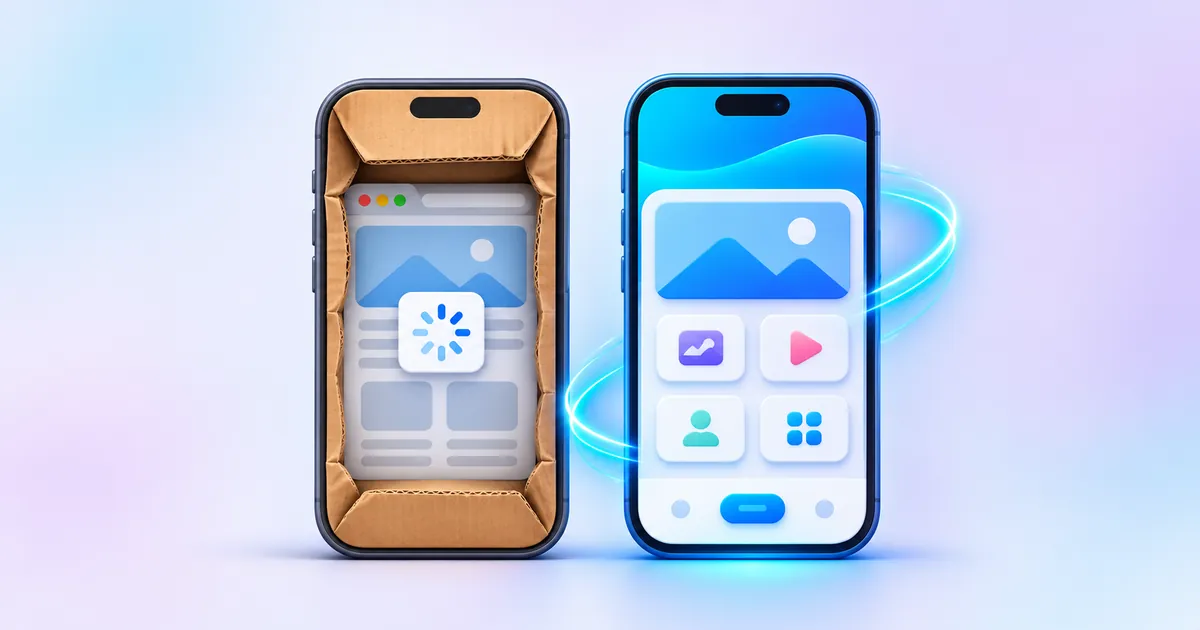
Two very different things called "an app"
The short answer: A WebView wrapper app is your existing website loaded inside a thin app shell, so it behaves like a browser tab with an icon. A React Native app is a real app with native screens, built once in JavaScript and shipped to both iOS and Android. Wrappers are quicker to make but often fail Apple's App Store guideline 4.2 and feel slow; React Native costs more upfront but gives a genuine app experience.
When a business owner asks for "an app", the quotes that come back can differ by a large margin. Usually that is because the developers are offering different things, even if both call it a mobile app.
WebView wrapper
A small app shell whose only screen is a WebView: a built-in browser window that loads your website. Sometimes sold as a "PHP wrapper" because the site behind it is a PHP or WordPress site.
Quick, but limitedReact Native app
A real app written in JavaScript and React. Buttons, lists and navigation are drawn with the phone's own native components, and it talks to your server through an API.
One codebase, two platformsFully native app
Separate apps written in Kotlin for Android and Swift for iOS. Maximum control and performance, but you build and maintain two codebases.
For demanding appsA WebView app is not a scam in itself. It is a legitimate technique, and many real apps use WebViews for a few screens such as help pages or terms. The problem is when the whole app is nothing more than the website in a frame.
How each one works under the hood
The difference shows up the moment someone taps a button. In a wrapper, every tap is a web page request. In a React Native app, the screen is already on the phone and only the data travels.
WebView wrapper: the website in a frame
React Native: native screens, data over an API
Your website can stay exactly as it is. A React Native app usually reads from the same database through a small API added to the site.
This is also why wrappers struggle offline. With no network there is no page to show, while a React Native app can still open, show saved data and queue actions until the connection returns.
The App Store guideline 4.2 problem
Apple reviews every app before it goes live, and wrapper apps run straight into its minimum functionality rule. In the App Store Review Guidelines, guideline 4.2 says your app "should include features, content, and UI that elevate it beyond a repackaged website", and 4.2.2 adds that apps shouldn't primarily be "web clippings, content aggregators, or a collection of links".
If a developer promises "we will put your website on the App Store as an app", ask what they will add beyond the website. A plain wrapper is exactly what guideline 4.2 is written to reject, and repeated rejections cost you weeks.
Guideline 4.2.6 is worth knowing too. Apps produced from a commercial template or app-generation service are rejected unless the content owner submits them, so the app should be published from your own Apple developer account, not the agency's.
Google Play is generally more forgiving at review time, but its spam policy still expects apps to "provide value to users through the creation of unique content or services". A wrapper that sails through on Android can still be rejected on iPhone, which leaves you with half an app.
iOS and Android from one codebase
The main reason businesses pick React Native is that one team writes one codebase and ships it to both stores. Most of the code is shared; a small part handles platform differences such as permissions, notifications and the back button on Android.
React Native is not the only cross-platform option; Flutter does a similar job with a different language. What matters for you is the same: one codebase, real native screens, and a single team that can maintain it.
When a WebView app is actually fine
Wrappers are not always wrong. The question is who the app is for and whether it must pass Apple's review.
- It is an internal tool for your staff, installed outside the public stores
- Your website is already fast and fully mobile friendly
- Android only, and you accept it is a shortcut
- You are testing demand before investing in a real app
- Customers will find it on the App Store and Play Store
- You need push notifications, offline use or the camera
- Speed and a smooth feel affect sales or bookings
- You want one app on both iPhone and Android
- The plan is "our website, but in the App Store" with nothing added
- The developer will publish under their own account, not yours
- Your website is slow on mobile; a wrapper makes it feel worse
There is also a middle path: a React Native app where the core screens are native and a few content pages, such as a blog, open in a WebView. That is normal practice and passes review when the app has real functionality of its own.
Store fees you pay either way
Whichever route you choose, publishing needs developer accounts in your business's name. As of November 2026, these are the store fees; please check the official pages before you sign up, as they can change.
Sources: Google's Play Console registration page and Apple's Apple Developer Program page. For build costs, see our guide to app development cost in India.
Which should you build?
Three questions, one recommendation
Pick the answer closest to your situation.
1. Who will use the app?
2. Does it need notifications, offline use or the camera?
3. Is your current website fast on phones?
Build a React Native app
You need a real app on both stores. One codebase keeps the build and upkeep manageable.
A WebView app may do
For an internal or Android-only tool on a fast site, a wrapper is a reasonable shortcut. Do not expect it to pass Apple review.
Fix the website first
An app will not rescue a slow site. Make the mobile website fast, then decide whether you still need an app.
If you are still deciding whether you need an app at all, our guide on how to make an app for your business walks through the whole process, and our Android app development guide covers Play Store specifics.
Frequently asked questions
What is a WebView app?
A WebView app is a mobile app whose main screen is a built-in browser window that loads a website. It looks like an app on the home screen, but inside it behaves much like a browser tab, so speed and features depend on the website.
Will Apple reject a WebView wrapper app?
Very often, yes. App Store guideline 4.2 says apps should offer features, content and UI beyond a repackaged website. A wrapper that only shows your site with nothing added is a common reason for rejection.
Is React Native mobile app development good for small businesses?
For most business apps it is a sensible choice. One codebase covers iOS and Android, the screens are native, and one team can maintain it. Very graphics-heavy apps or games may be better served by other tools.
Can a React Native app use my existing website's data?
Yes. The usual approach is to add a small API to your existing site or database. The app reads and writes through that API, so your website and app share the same products, bookings or content.
Is React Native better than Flutter?
Both are mature cross-platform frameworks that build real native apps for iOS and Android. The choice usually depends on the team's skills and the libraries the app needs, rather than one being clearly better.
Do I need a separate developer account for each store?
Yes. Google Play needs a Play Console account and the App Store needs an Apple Developer Program membership. Both should be in your business's name so you own the app listings.
Not sure whether you need a real app?
Tell us what the app must do and we will tell you honestly whether a React Native app, a better mobile website or something in between is the right fit, with a fixed quote within one business day. See how we work on our app development page.
Get a fixed quoteApp development


Only to see which pages help and which don’t. Nothing is sold, nothing is used for advertising, and declining changes nothing about how the site works. More in our privacy policy.